Photoshop® for Interior Designers
A Nonverbal Communication - with STUDIO
- Textbook
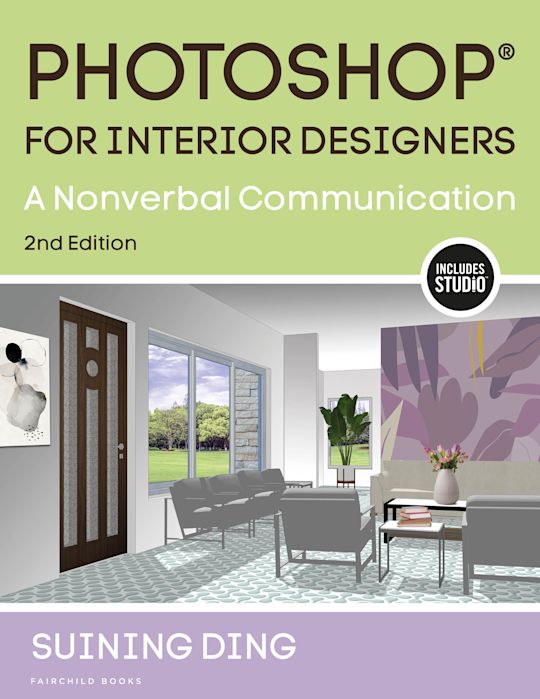

Photoshop® for Interior Designers
A Nonverbal Communication - with STUDIO
- Textbook
Description
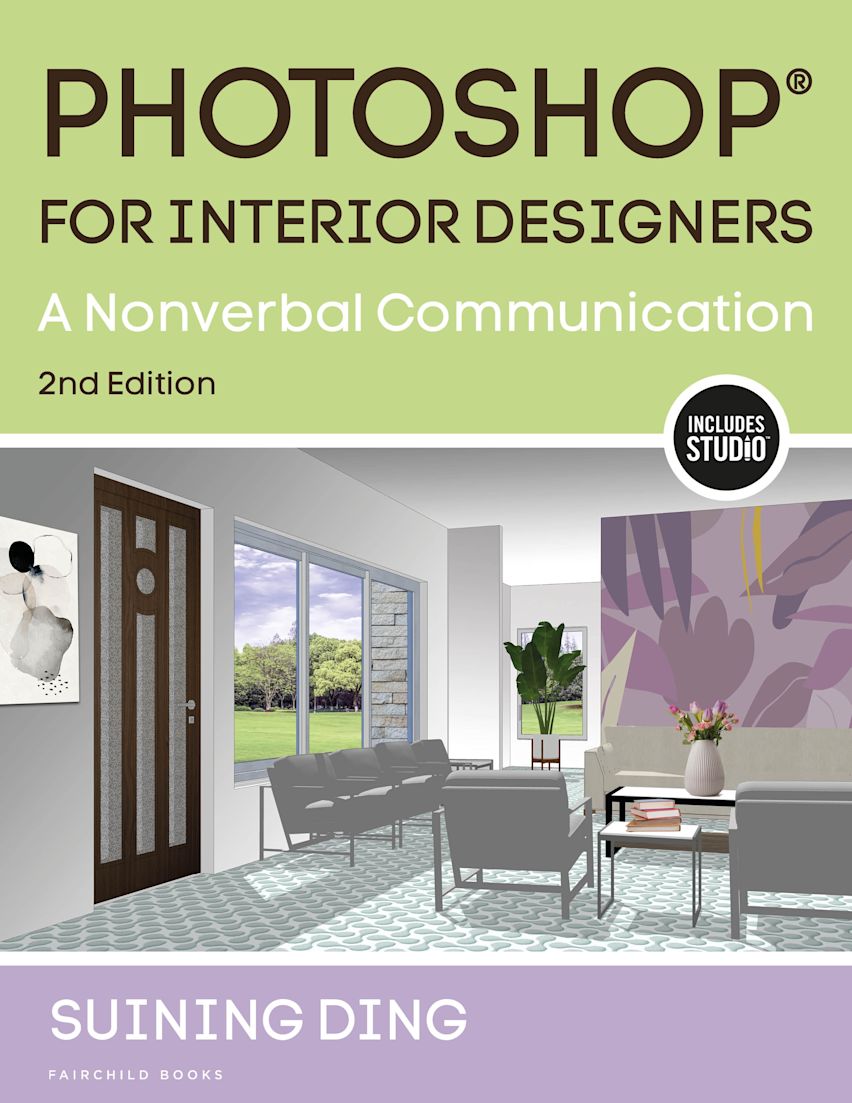
Photoshop for Interior Designers, Second Edition introduces step-by-step techniques for interior designers to successfully use Adobe Photoshop to visually communicate their design concept through graphic images and to illustrate design ideas through a visual thinking process. Instructions show how to integrate hand drawings and freehand sketches into digital drawings. Basic and advanced techniques presented include creating floor plans and elevations, preparing perspectives or isometric drawings, and applying materials, lightings, background and entourages for interior design presentations. Taking a multi-media approach, the text demonstrates how to use Photoshop to refine and modify drawings created in Google Sketchup, AutoCAD, Revit Architecture, and other 3D software programs, and introduces how to use InDesign to seamlessly create graphic layouts for presentation to clients.
New to this Edition
-Inclusion of case studies in every chapter to cover timely world events like the Covid-19 pandemic and the affect of working from home, office use and hybrid working models, hospital requirements, and more on the interior use of a space
-Inclusion of examples across interior disciplines such as healthcare, office, retail, hospitality, and more
-Addresses floor plans and interior elevations throughout
STUDIO Features
-Additional floor plan activities as downloadable pdfs to further the understanding of key concepts
Instructor Resources
-Instructor's Guide provides suggestions for using the text in the classroom and planning the course with sample syllabi, a test bank, and supplemental assignments
-PowerPoint® presentations include images from the book and provide a framework for lecture and discussion
Accessibility Information
Additional accessibility information
- EPUB 3.0
- Conforms with the requirements of EPUB Accessibility Spec v1.1
- WCAG level AA
- WCAG v2.2 compliant
- accessibility@bloomsbury.com
Hazards
The publication contains no hazards
Support for non-visual reading
- No accessibility features offered by the reading system, device or reading software are disabled or otherwise unusable with the product
- Has alternative text descriptions for images
Visual adjustments
Appearance of the text and page layout can be modified according to the capabilities of the reading system (font family and size, spaces, as well as color of background and text)
Navigation
- Page list to go to pages from the print source version
- Elements such as headings, tables, etc for structured navigation
- All or substantially all textual matter is arranged in a single logical reading order
- Content is enhanced with ARIA roles to optimize organization and facilitate navigation
- Purposes of all links are made clear
Rich content
Language tagging provided
Table of Contents
Chapter Two: Working with Floor Plans and Elevations
Chapter Three: Working with Perspectives and Isometric Views
Chapter Four: Working with Materials
Chapter Five: Working with Lighting
Chapter Six: Special Effects in Photoshop
Chapter Seven: Adding Entourage
Chapter Eight: Working with Freehand Drawings
Chapter Nine: Composing Drawings with InDesign
Chapter Ten: Creating Presentation Drawings Using Multi-Media Approach
Product details

| Published | 16 Oct 2025 |
|---|---|
| Format | Ebook (Epub & Mobi) |
| Edition | 2nd |
| Pages | 424 |
| ISBN | 9798765106280 |
| Imprint | Fairchild Books |
| Illustrations | 460 colour illus |
| Publisher | Bloomsbury Publishing |
Related Titles